
Education
Set it up once: payment profiles, saved addresses and your account
Sep 10, 2026 · 3 min read
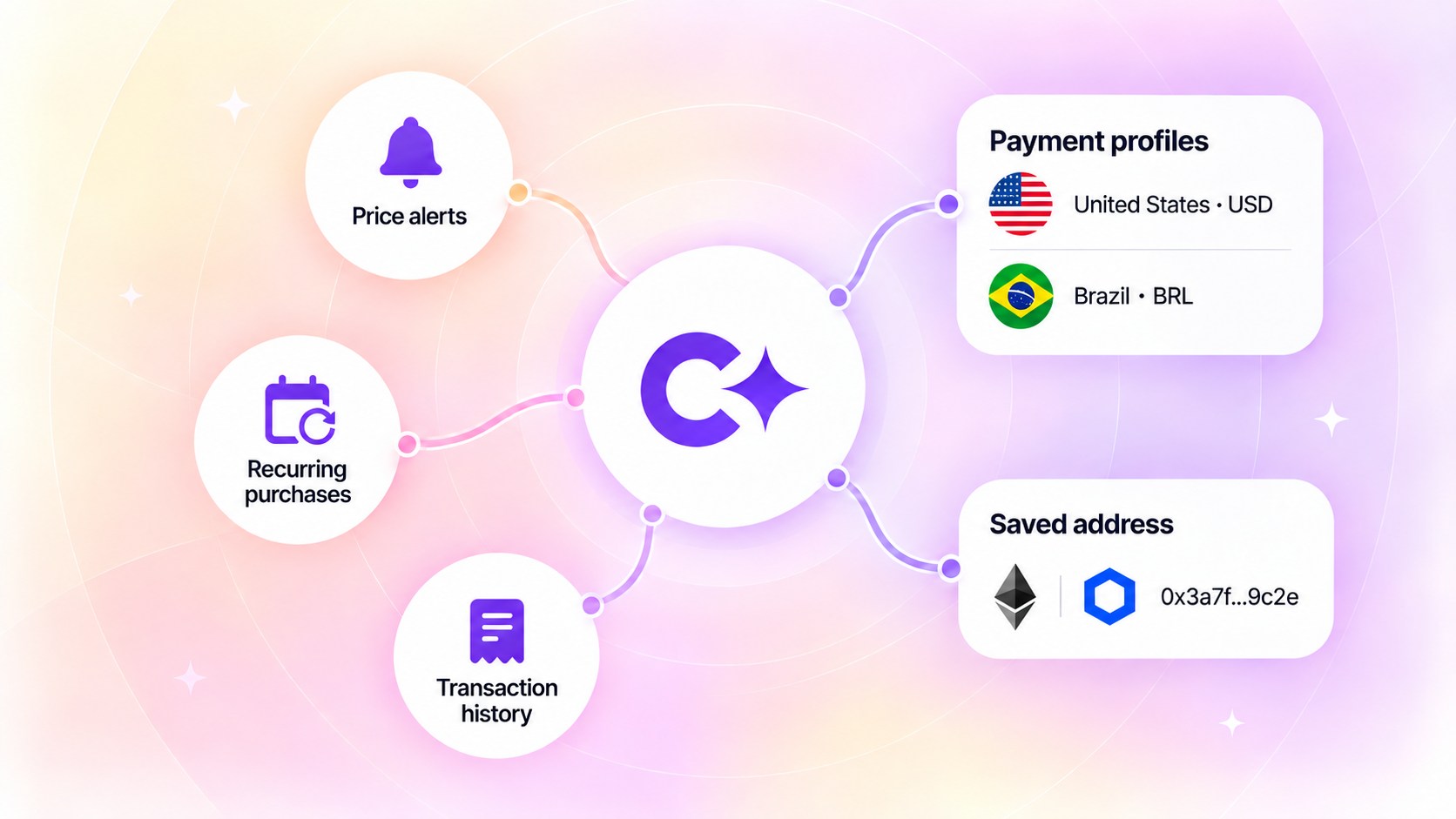
You buy LINK on your computer on Tuesday, signed in to Coindisco. On Friday only your phone is with you. A sign-in on the phone opens the same payment profiles and the same wallet addresses.
What a payment profile holds
A payment profile is a country and a currency. The country is the one that issued the card, the bank account or the digital wallet. The currency is the one the purchase is paid in.
The ways to pay that come with it are the ones available for that country and currency. Coverage lists the countries and the ways to pay in each.
Coindisco does not store card numbers, expiry dates, CVV codes or bank account numbers. The offer comparison works from the payment profile instead.
A Brazilian card and a US card sit in two different payment profiles. Both payment profiles appear under Payment methods in the Coindisco account.
The first payment profile comes pre-filled the first time the app opens, matched to your location. The country and the currency can change later, and another payment profile can be added under Payment methods at any time.
The offer list is built from one payment profile at a time. The amount screen carries three options: the current payment profile, another saved one, or a new one.
The wallet address you save once
The destination is the other thing that gets saved once. Saved addresses sit under Manage addresses. Each address carries a cryptocurrency, and a network where the asset runs on more than one.
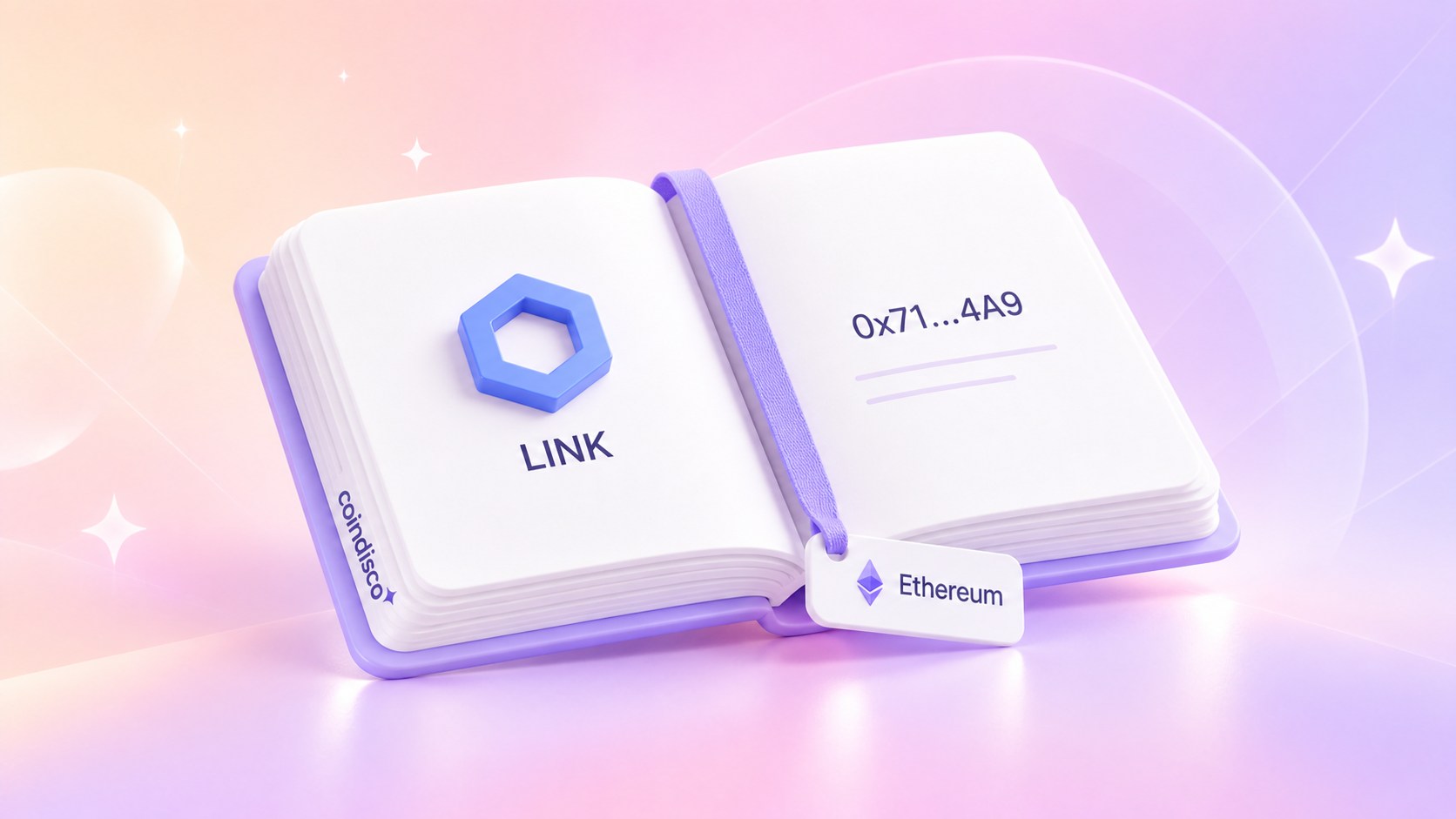
A name is optional. A wallet with a name shows that name on the first line and the address on the second.
A wallet without a name shows the address on the first line. The second line disappears, so the same string is not printed twice.
The destination comes from the saved list when the cryptocurrency is sent to the wallet. A saved address removes one manual entry step and keeps the network with the address. Both are on screen before a purchase is confirmed.
What a Coindisco account adds
Signing in takes an email and a one-time code. There is no password to invent.
Without a Coindisco account, a payment profile, saved wallet address and watchlist stay in the browser or app where they were created.
With a Coindisco account the payment profiles saved on a phone also appear in the browser. The saved addresses appear in both places as well.
The watchlist opens on every device with the account.
Price alerts live in the iOS and Android apps and need an account. Tracking a token before buying covers how they work.
Transaction history needs an account too. It lists past purchases and the status of each one.
Recurring purchases are in the iOS and Android apps too, and they need an account. Coindisco offers a schedule after a purchase completes. If app notifications are enabled, Coindisco can send a push on the selected date. No purchase happens until you confirm it.
On Friday, signing in on the phone brings back the same payment profile and wallet address. Without an account, you can still compare offers and buy crypto, but saved details remain on that device and account features are unavailable.
Start trading on Coindisco
Zero fees on your first $100.